
I have been using my Banglalink SIM for a long time, yet I still sometimes get confused when buying data packs[cite: 1]. Banglalink offers a huge variety of packs, and they change frequently[cite: 1]. Many people buy packs without checking the terms and later realize the validity has expired, or that they could have gotten more data for the same price[cite: 1]. Verifying offers beforehand is essential[cite: 1]. This guide explains everything you need to know about Banglalink internet packs in simple terms[cite: 1].
Browse Packs on the MyBL App
The easiest method is using the MyBL (My Banglalink) app[cite: 1]. Install it from the Google Play Store or Apple App Store, enter your Banglalink number, and log in with the OTP sent to your phone[cite: 1]. The home screen immediately displays your current balance, remaining data, and validity[cite: 1].
Go to the Internet or Offers section to see all available packs organized by daily, weekly, and monthly validity[cite: 1]. Tap any pack to check its price, validity, and terms, and purchase it directly using your balance, bKash, or Nagad[cite: 1]. The app also features exclusive discounted deals for app users[cite: 1].
Buy Packs by Dialing USSD Codes
Even without a smartphone, you can easily purchase Banglalink data packs via USSD codes[cite: 1]. Dial *888# to view My Offers, select the internet pack option, and choose your preferred pack from the menu to activate it[cite: 1].
You can also dial *5000# to access the internet menu, or use direct codes like *5000*501# for smaller packs[cite: 1]. Because USSD codes change regularly, always verify the offer in the app or *888# menu before confirming[cite: 1].
Buy Packs via Direct Recharge
Many Banglalink internet packs can be activated directly by recharging specific amounts[cite: 1]. For instance, recharging 18 BDT activates a small data pack, while 49 BDT or 99 BDT offers larger data volumes[cite: 1]. Since recharge offers update frequently, verify the current deal beforehand[cite: 1].
You can recharge through bKash, Nagad, or Rocket[cite: 1]. Check the confirmation SMS afterward—or dial *5000*500#—to confirm the pack is active[cite: 1]. If recharging at a local shop, ask the retailer which amount gives the best data offer[cite: 1].
Choose a Pack Based on Your Usage
Estimate your data usage before buying[cite: 1]. If you mainly use Facebook and Messenger, a small pack is plenty[cite: 1]. If you watch YouTube videos or attend online classes, opt for a larger pack[cite: 1]. Buying one large monthly pack is usually much more economical than repeatedly buying small packs[cite: 1].
Pay attention to validity as well[cite: 1]. A 3-day pack will not last a week, and unused data expires once validity ends[cite: 1]. Also check if a pack is restricted to specific apps (such as Facebook-only packs) before purchasing[cite: 1].

New SIM Internet Offers
When you buy a new Banglalink SIM, you get special discounted internet bonuses during the first few months—such as extra data on your first recharge[cite: 1]. Ask the retailer about new SIM offers when purchasing, and keep in mind that regular pack rates apply once the promotional period ends[cite: 1].
Balance Check and Safety Tips
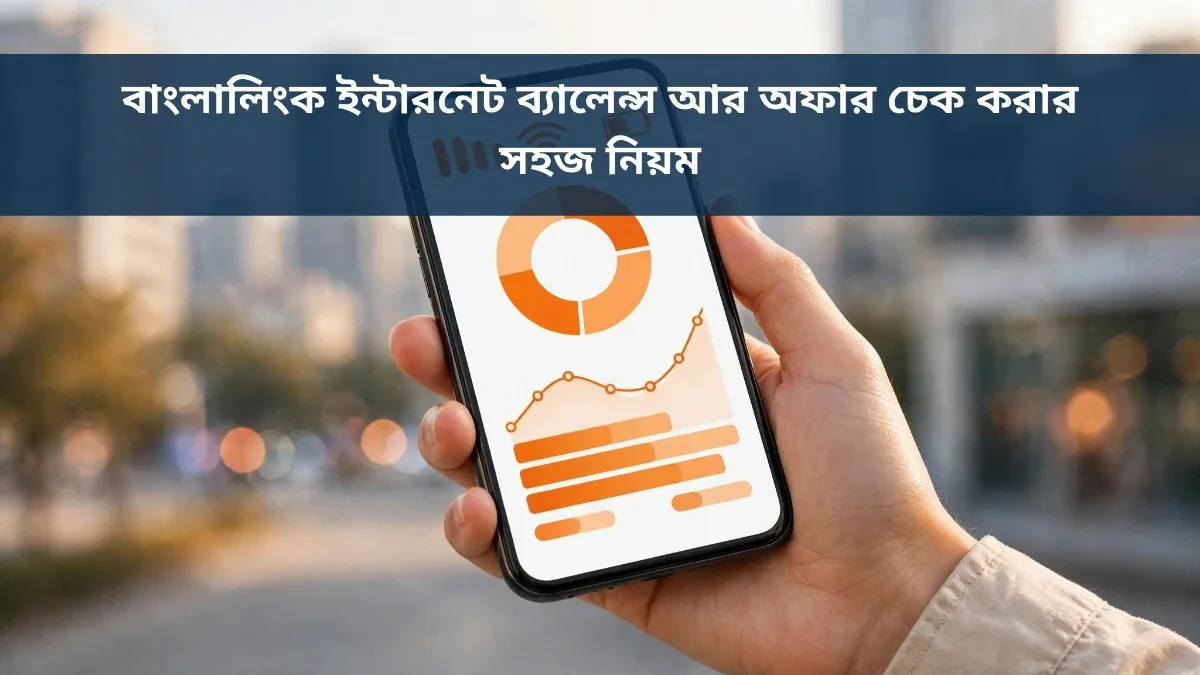
To check your remaining Banglalink internet balance and validity, dial *5000*500# or check inside the MyBL app[cite: 1]. Renew your pack before expiry so pay-as-you-go charges do not drain your main balance[cite: 1].
Never dial USSD codes sent from suspicious numbers, only trust official Banglalink messages, and never share your OTP with anyone[cite: 1]. For official support, call the Banglalink helpline at 121[cite: 1].
FAQ
What is the USSD code to check Banglalink internet offers?
Dial *888# to view personalized Banglalink internet offers and select a pack from the on-screen menu[cite: 1].
How do I check my Banglalink internet balance?
Dial *5000*500# to receive an SMS with your remaining internet balance and expiry date, or check it on the MyBL app home screen[cite: 1].
How can I buy a pack using the MyBL app?
Install the MyBL app from the Play Store, log in with your Banglalink number, go to the Internet section, choose your desired pack, and tap Buy[cite: 1].

Discussion & Comments (0)
No comments on this post yet. Be the first to comment!