
🌐 Broadband Tricks
22 Nov, 2026
10 Ways to Speed Up Slow Home Wi-Fi

You're working from home, attending an online class, or watching your favorite movie—and suddenly the Wi-Fi slows to a crawl. Videos buffer, pages take forever to load, and frustration sets in. In most cases, though, the problem isn't major; a few small adjustments can give your speed a noticeable boost. Here are 10 simple and effective ways to speed up slow home Wi-Fi.
1. Fix Your Router's Placement
Where you put your router has the biggest impact on speed. Place it in a central, open spot in your home and slightly elevated. Tucked behind walls, inside cabinets, or down on the floor weakens the signal. Metal objects, mirrors, and water tanks also block Wi-Fi signals, so keep the router away from them.
2. Restart Your Router Regularly
When a router runs nonstop for days or weeks, temporary data builds up inside and can slow things down. Turn it off once a week, wait 30 seconds, and power it back on. This clears temporary clutter and refreshes the connection. It's a tiny habit, but doing it regularly keeps your Wi-Fi much more stable.
3. Choose the Right Wi-Fi Channel
If too many nearby routers are using the same channel, signals get congested and speeds drop. Open your router settings and try switching channels. On the 2.4 GHz band, channels 1, 6, or 11 usually work best. You can use a Wi-Fi analyzer app on your phone to see which channel is least crowded. The 5 GHz band has far less congestion, so use it whenever you're close to the router.
4. Keep Router Firmware Updated
Outdated router software—known as firmware—can slow performance and create security risks. Manufacturers release updates regularly to fix bugs and add improvements. Log into your router's admin panel to check for updates, or enable automatic updates if supported. Keeping firmware current helps your router stay fast and reliable.
5. Disconnect Unused Devices
When too many devices share the same Wi-Fi, your bandwidth gets split. Phones, laptops, TVs, smartwatches, and guests' devices can quickly add up. Turn off Wi-Fi on devices you aren't using right now. During important work or calls, pause unnecessary downloads and background video streams so your active device gets more bandwidth.
6. Use the 5 GHz Band
Modern routers offer two bands: 2.4 GHz and 5 GHz. The 2.4 GHz signal travels farther, but it is slower and more crowded. The 5 GHz band delivers much faster speeds, though it doesn't pass through walls as easily. Use 5 GHz when you're in the same room or close to the router, and switch to 2.4 GHz in farther rooms. Picking the right band makes streaming and large downloads much quicker.
7. Use a Strong Password and a Guest Network
A weak password lets neighbors hop onto your Wi-Fi, slowing down your connection. Set a strong password that mixes letters, numbers, and symbols, and never leave the router's default password unchanged. When visitors come over, turn on a separate guest network so your main network stays secure.
8. Replace an Old Router
A router that's five or six years old simply can't keep up with modern internet speeds. Older hardware lacks newer Wi-Fi standards, creating a bottleneck no matter how fast your internet plan is. If your package offers high speeds but your router is outdated, consider upgrading to a new dual-band router. A good router is a one-time purchase that serves you well for years.
9. Use a Range Extender or Mesh System
In a large apartment or two-story house, a single router rarely reaches every corner with a strong signal. You can place a range extender in rooms with weak coverage, or invest in a mesh Wi-Fi system—multiple small units that work together to blanket your entire home in one seamless network. Mesh systems cost a bit more, but they are the best fix for larger homes.
10. Check Your Internet Plan and Line
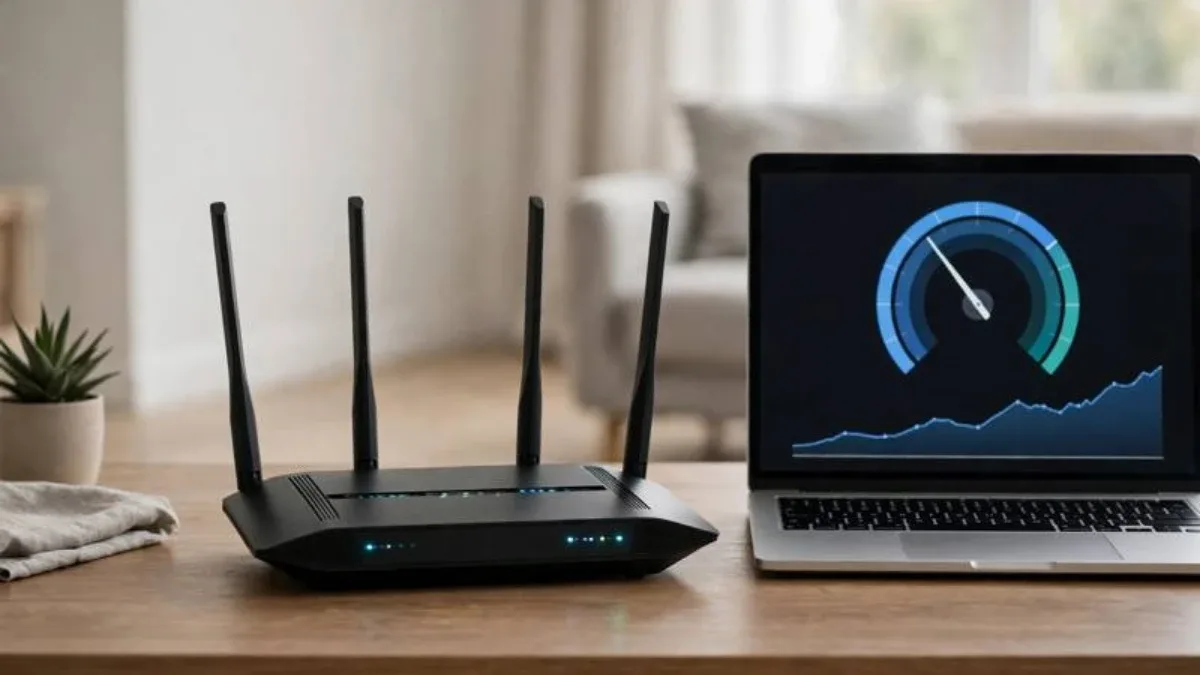
If you've tried everything and speeds are still sluggish, the issue may be your internet plan or line. Run a speed test on a reliable website to see what speeds you're actually getting. If it's far below what your plan promises, contact your internet service provider. You may also want to upgrade your package or switch to a more reliable provider. Testing your speed regularly makes it much easier to pinpoint where the problem lies.
Conclusion
Slow home Wi-Fi is frustrating, but most of the time the fix is right in your hands. Adjusting router placement, restarting regularly, and choosing the right channel and band can make a dramatic difference. Try a few of these 10 tips today and see the improvement for yourself. Good Wi-Fi isn't just about faster browsing—it keeps your work, study, and entertainment running smoothly.

Discussion & Comments (0)
No comments on this post yet. Be the first to comment!