
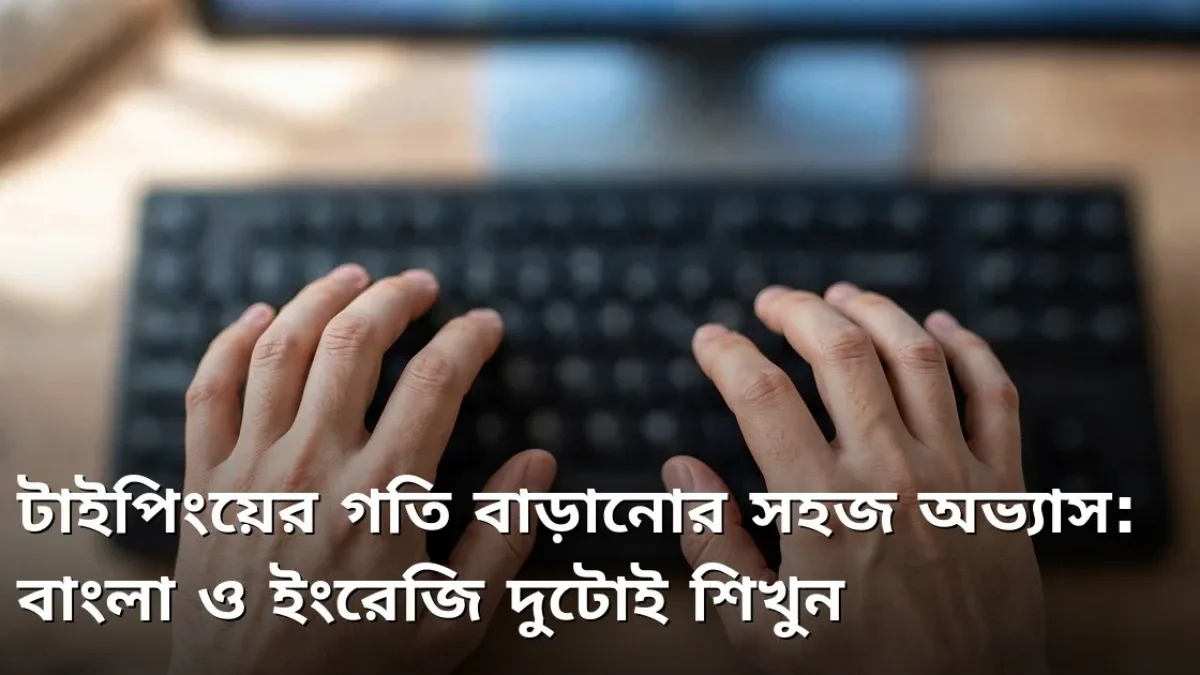
When working on a computer, the single area where many people lose the most time is typing. Your thoughts are ready, yet your fingers lag behind—slowing down articles, applications, and assignments alike. In many jobs, typing speed is also treated as a practical qualification. The good news is that typing speed is not an inborn talent; it is purely the result of habit. Practicing for just a short time each day with the right technique produces noticeable improvement within a few weeks. In this guide, we will cover proper posture and finger placement, daily practice methods to build speed, and how to master Bangla typing in simple terms.
Start With Proper Posture and Finger Placement
The foundation of speed is using all ten fingers properly. The middle row of the keyboard is called the home row: your left-hand fingers rest on A, S, D, and F, while your right-hand fingers rest on J, K, L, and the semicolon key. The F and J keys have small raised bumps so your fingers can find their spot without looking. Each finger is assigned a specific zone of keys, and this layout determines which finger presses each letter. At first, your speed will feel very slow and you will be tempted to glance down at the keyboard, but looking at the keys is the biggest enemy of speed. Posture matters too—keeping your back straight, the screen at eye level, and your wrists floating slightly reduces fatigue during long typing sessions. For the first two weeks, focus only on using the correct fingers; speed will follow naturally.
- Start practicing with your fingers positioned on the home row.
- Typing without looking at the keyboard is the real secret to speed.
- Use the assigned keys for each finger's specific zone.
- Maintain proper sitting posture and wrist alignment.
Daily Practice: Short Sessions, Consistent Routine
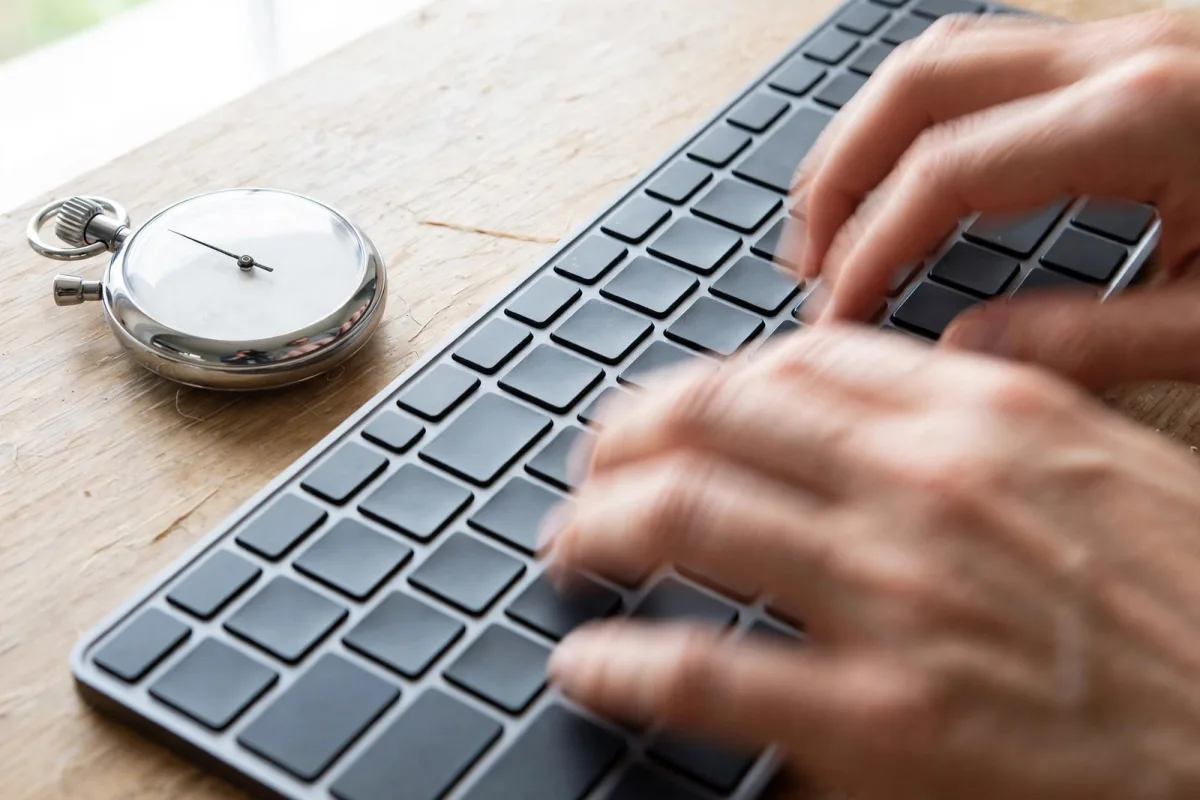
The biggest obstacle to learning typing is inconsistency. Practicing for fifteen to twenty minutes every day is far more effective than practicing for three hours once a week. Free typing practice websites offer structured, step-by-step lessons—starting with the home row and gradually moving on to other rows and numbers. During practice, prioritize accuracy over speed, because constantly making mistakes, backspacing, and retyping cuts your speed in half. Track your progress by taking a timed test once a week and recording your words per minute (WPM) and accuracy percentage. Seeing the numbers improve boosts motivation. You can also practice with real writing—make a habit of typing your daily journal, emails, or study summaries.
- Practice 15–20 minutes daily rather than cramming once a week.
- Focus on accuracy first; speed will follow on its own.
- Track your WPM and accuracy rate in weekly tests.
- Keep practicing by typing real-world content.
Bangla Typing: Which Method Should You Choose?
There are mainly two approaches to Bangla typing: phonetic and fixed keyboard layouts. In the phonetic method, typing Bangla sounds using English letters produces Bangla script—such as Avro's phonetic layout—which is the easiest to learn and ideal for beginners. On the other hand, fixed layouts like Bijoy are widely used in offices, courts, and publishing houses, so learning one can be useful if you are preparing for administrative jobs. Popular mobile keyboard apps for Bangla typing offer both phonetic and voice typing. Learning the rules for conjunct letters and special characters takes a little time at first, but with regular writing it becomes muscle memory. Whichever method you choose, stick with it—switching layouts repeatedly prevents you from ever building speed.
- For an easy start, the phonetic method suits beginners best.
- Learn a standard fixed layout if you are targeting office-based jobs.
- Rules for conjunct characters become natural with steady practice.
- Stick to one method and avoid switching back and forth.
⚠ Warning: Be careful when choosing practice websites or keyboard apps. Downloading keyboard software from unfamiliar sites can introduce harmful programs—especially since keyboard software can see every keystroke you type, trustworthiness is critical. Download keyboard tools only from well-known, official sources, and never grant unnecessary permissions to mobile keyboard apps.
Final Thoughts: Finger Habits Create Real Speed
There is no magic shortcut to typing faster—only the right technique and consistent practice. If you patiently learn proper finger placement during the first month, the rest of the journey becomes much easier. Set a fifteen-minute daily routine starting today and begin tracking your progress. A few months from now, when you can type quickly without looking down, you will see what a valuable asset this small investment has become for your studies, career, and everyday work.
Remember that alongside speed, language accuracy matters just as much. Fast typing filled with spelling mistakes holds little value in professional work. Make it a habit to proofread and check your spelling as you practice. Gradually, both your speed and accuracy will grow together—and that is the true goal. Turning practice into a friendly challenge with friends can also make it more enjoyable, as learning through fun tends to last.
A common mistake along the way is pushing too hard during the very first week. If your hands feel sore or tired, take a break—forcing yourself through fatigue locks in bad habits. Keep in mind that typing is a game of muscle memory, and muscles need time to learn. After three months of steady practice, comparing your new speed against your old score will surprise you, and that proof of progress is the best motivation to keep going.
Even if you do not own a computer, there is no reason to be discouraged—you can start building proper finger habits on a mobile keyboard and carry that discipline over when you move to a computer. The key is to write using the right method wherever you type, even if it feels slow at first.
📱 Join my Telegram channel for more daily tips like this: https://t.me/earnhelosp




Discussion & Comments (0)
No comments on this post yet. Be the first to comment!