
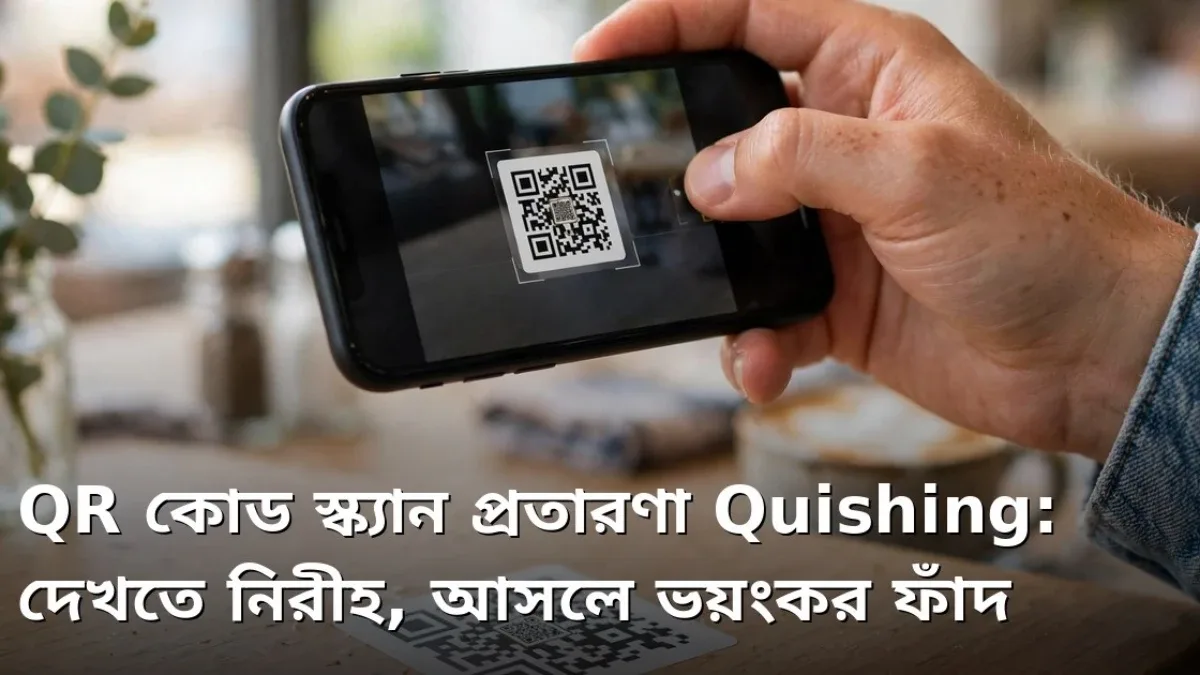
Whether you're viewing a restaurant menu, paying at a shop, covering a parking fee, or quickly opening a website, QR codes are now part of everyday life. Just point your camera and you're done—no typing required, which is why they're so popular. However, scammers have exploited this convenience to set a new trap called Quishing—phishing via QR codes. Scanning a completely harmless-looking code can send you straight to a fake website that looks identical to the real thing, where entering your password or banking details hands them right over to the scammer. In other cases, scanning a code immediately triggers a malicious app download. In this post, we'll explain in plain language how Quishing works, where these traps are planted, and how to protect yourself before you scan.
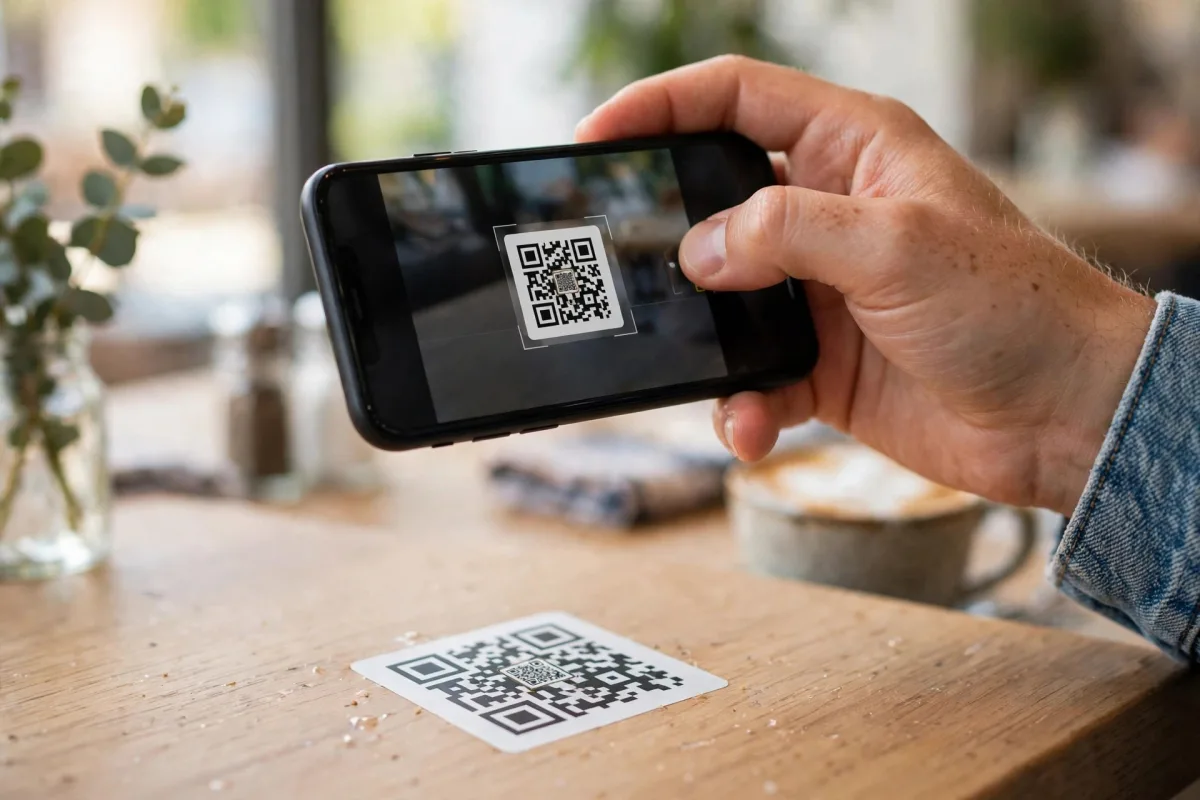
How Quishing Scams Actually Work
A QR code is essentially a visual representation of a web address or piece of data that can't be read by the naked eye—until you scan it, there's no way to tell what's inside. Scammers exploit this exact blind spot. They build a fake website designed to look just like a bank, mobile banking service, or popular company's page. Then they generate a QR code for that site's URL and distribute it. When you scan it, the fake page opens in your browser and asks for your password, card number, or OTP under the pretext of account verification or payment. Once you submit those details, they go straight to the scammer, and your account can be drained within minutes. In some cases, scanning the code creates a direct money transfer request, and approving it without checking the recipient's name sends your money to an unknown account. Other codes silently download harmful files onto your phone that are later used to steal your data.
Where These Traps Are Commonly Planted
Scammers place their codes in spots where people tend to scan in a hurry without double-checking. The most common trick is pasting a sticker with their own code right over a legitimate one so the difference isn't noticeable at a glance. Be especially careful in these places:
- Payment QR codes placed on restaurant tables or shop counters
- Codes posted on walls at parking lots, ticket counters, or bill payment stations
- Codes sent via email or text message threatening that your account will be suspended
- Codes on posters and flyers promising tempting prizes, discounts, or job offers
- Codes sent by strangers claiming you'll receive money just by scanning
Quishing via email is especially dangerous because many security filters can't detect a URL hidden inside an image, allowing fake emails to slip straight into your inbox. Remember: you never need to scan a QR code to receive money—scanning almost always means paying or opening a web page.
Rules to Verify Before and After Scanning
Taking just a few seconds to verify can save you from major losses. After scanning, most phones show the web address first instead of opening the page immediately—read that link carefully. Check whether the spelling matches the organization's real name and look out for strange characters or unfamiliar domains. If the code is on a sticker, lightly run your finger over it to make sure another sticker hasn't been pasted on top. For payments, verify the recipient's name and business name after scanning before entering the amount and approving. If scanning a code starts an app download, cancel it immediately and delete the file. Instead of scanning codes from unfamiliar emails or messages, go directly to the organization's official app or website yourself to check. Scammers succeed in rushed moments, so never skip this verification step even when you're in a hurry.
⚠ Warning: If someone pressures you over the phone or by message to scan a QR code right away—claiming your account will be closed or money will be deducted otherwise—it is almost certainly a scam. No bank or mobile banking provider collects OTPs or PINs through a QR scan like this. In such situations, don't scan; call the institution's official number yourself to verify.
What to Do Immediately If You Fall Victim
If you accidentally enter your details on a fake page, don't waste time—act fast. First, call your bank or mobile banking service's hotline to request a temporary account freeze or block on transactions. Next, go to the real website or app and change your password, along with any other accounts where you used the same password. If two-factor authentication isn't enabled yet, turn it on right away. Uninstall any suspicious apps that may have been downloaded and run a security scan on your phone. If money was transferred, save all transaction details and report it to your nearest police station or cybercrime unit—filing quickly improves your chances of recovering the funds. Also let your family members and friends know what happened so no one else falls into the same trap.
Business owners and shopkeepers also share responsibility here. Inspect your shop's payment QR code regularly to ensure no one has stuck another code over it, and if possible, keep the code inside the counter or under staff supervision. Encourage customers to double-check the recipient's name before paying—that keeps both sides safe.
In the end, QR codes themselves aren't dangerous; the real risk lies in scanning without verifying. Reading the preview URL, matching the recipient's name, and avoiding codes attached to enticing or threatening messages—these three habits are the easiest way to stay safe from Quishing. Enjoy the convenience of technology freely, just make it a habit to pause for a few seconds and verify before every scan, and an innocent-looking code will never cost you.
📱 Join my Telegram channel for more daily tips like this: https://t.me/earnhelosp

Discussion & Comments (0)
No comments on this post yet. Be the first to comment!