
Introduction
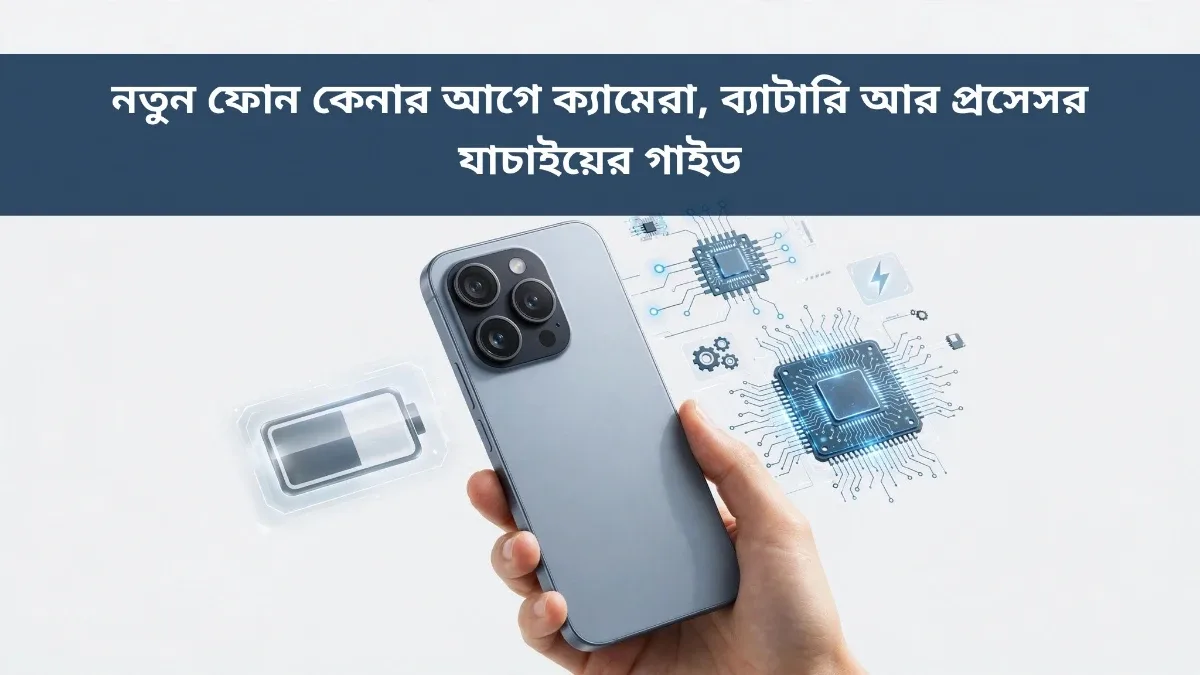
Buying a new smartphone is exciting for many people, yet stressful for others. Once you walk into a store, hundreds of models, flashy promotions, and persuasive sales pitches can make it hard to decide. Choosing a phone based solely on advertisements often leads to regret—a disappointing camera, a battery that drains too fast, or sluggish performance after just a few months. Checking a few key details yourself before paying drastically reduces the chance of buying the wrong device. In this guide, we cover 10 essential checks—including camera, battery, and processor—to help you evaluate any phone before you buy.
1. Define Your Actual Needs First
Before shopping, think about what you really use your phone for. If you mostly make calls, send messages, and watch YouTube, a mid-range phone is more than enough. However, heavy gaming demands a powerful processor, while photography enthusiasts should prioritize camera quality. Buying without a clear purpose either wastes money on features you never use or leaves you frustrated with an underpowered device.
2. Check the Processor and RAM
The processor is the brain of your phone and largely determines how fast it runs. A modern mid-range chipset handles everyday tasks smoothly, but if you play demanding games or edit videos, look for a stronger processor. Aim for at least 6 GB of RAM so the phone does not stutter when switching between multiple apps. At the store, open several apps at once to see if the device slows down.
3. Do Not Judge Cameras by Megapixels Alone
Many buyers assume higher megapixels automatically mean better photos, which is not entirely true. Image quality depends heavily on sensor size, lens quality, and image processing software. Test the camera in the store under the same lighting—take a few shots in bright light and in dimmer corners. Check the selfie camera as well, and record a short clip to test video stabilization if you shoot videos often.
4. Evaluate Real-World Battery Performance
Battery capacity (measured in mAh) gives a rough idea, but actual endurance also depends on display efficiency and processor power. A 5,000 mAh battery typically lasts a full day with ease. Check whether the phone supports fast charging, which is invaluable on busy days. You can also open the battery settings in-store to inspect battery health and usage stats.
5. Inspect the Display Quality
Since you look at the screen for everything, display quality matters. Check if the screen remains clear and readable under bright light, and look closely for vibrant colors and sharp text. Larger screens are great for watching videos, but make sure the phone still feels comfortable to hold and operate with one hand. A higher refresh rate also makes scrolling feel noticeably smoother.
6. Plan How Much Storage You Need
Photos, videos, and apps fill up storage faster than expected. Today, 128 GB is a sensible minimum. Check whether the phone includes a microSD card slot, as many modern models skip expandable storage. While cloud backups can help save space, having extra built-in storage is safer when you are offline.
7. Ask About Software Updates
Find out how many years of software and security updates the manufacturer promises for the model. Regular updates keep your device secure and bring useful new features, whereas older models may stop receiving updates sooner. Check the Android version in the phone's settings—the newer the version out of the box, the better.
8. Verify Network Bands and SIM Support
Make sure the phone supports the network bands used by the carriers that perform best in your area. Consider whether you need dual-SIM support if you use two phone numbers. Even if you do not need 5G right away, choosing a 5G-capable device helps future-proof your purchase. If possible, insert your own SIM card at the shop to test signal strength.
9. Check Warranty and After-Sales Service
Always confirm that the phone comes with an official warranty, complete with a warranty card and proper purchase receipt. Check whether an authorized service center is located nearby in case repairs are ever needed. Unofficial or grey-market phones may cost less upfront, but they often create headaches when warranty claims arise.
10. Compare Prices Before Paying
Prices for the exact same model can vary from shop to shop. Check at least two or three stores and compare online prices before making a decision. If you are considering an installment plan, calculate the total payable amount, as financing often adds significant extra cost. Finally, unbox the phone at the counter to verify the handset, charger, and cable, and keep your receipt somewhere safe.
Final Thoughts
Never rush when buying a new phone. Take the time to inspect the camera, battery, processor, display, and storage yourself. Matching the device to your real needs and budget ensures reliable performance for years to come. Testing the phone in person and comparing prices across sellers are the two simplest habits that protect you from a bad purchase. Choose wisely, and your everyday experience will be smooth and enjoyable.



Discussion & Comments (0)
No comments on this post yet. Be the first to comment!