
Introduction
Almost all government, semi-government, and bank job online applications in Bangladesh (such as Teletalk, BPSC, Primary Teacher Recruitment, or NTRCA) require uploading photos and signatures in exact dimensions. Without visiting Photoshop or a computer shop, you can create properly sized photos and signatures from your mobile or PC in just 1 minute using free online tools on TipsRound.Com.
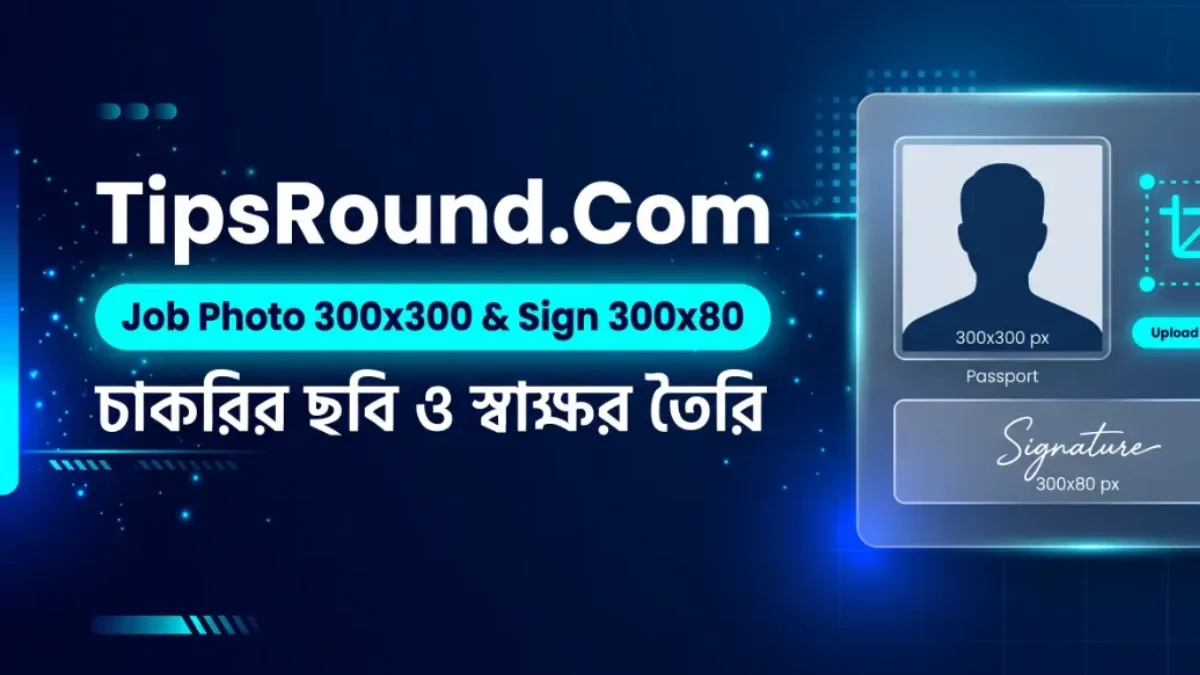
Standard Dimensions & Sizes for Government Job Applications
- Photo Size: Width
300 pixeland Height300 pixel(Format: JPG, File Size: max under 100 KB). - Signature Size: Width
300 pixeland Height80 pixel(Format: JPG, File Size: max under 60 KB).
Step 1: Create a 300×300 Pixel Photo from Mobile
- First, select a clear, straight-facing passport or portrait photo with a solid (white or light blue) background.
- Go to TipsRound's free Image Cropper & Photo Resizer tool.
- Upload your photo and select
1:1 Square (Profile / Job 300x300)from Preset Ratio. - Enter
300in the Output Width (px) box and select JPG as the format. - Click Download Cropped to save the image—you'll have a crisp
300×300pixel photo ready!
Step 2: Create a 300×80 Pixel Signature
You can create a 300×80 pixel signature for job forms in two ways:
- By Drawing a Digital Signature Directly: Open the Online Signature Maker & Resizer tool.
- Sign inside the white box using your finger or mouse.
- Below, Export Width: 300 and Export Height: 80 are already pre-set.
- Click Download JPG (White BG) to download your
300×80pixel signature with a white background.
(Tip: If you signed on white paper with a pen and took a photo, you can crop it with Image Cropper and reduce its file size under 60 KB using Image Size Resizer.)
Step 3: How to Reduce Image File Size (KB)
If your created photo exceeds 100 KB or signature exceeds 60 KB, upload it to the Image Size Resizer tool, lower the Quality slider slightly (e.g., 75%–80%), and click Download Image to bring the file size under the required limit.
Why Use TipsRound's Tools?
- 100% Privacy & Security: Your personal photo or signature is never uploaded to any server—everything runs directly inside your browser.
- No Watermark or Login Hassle: Completely free with instant downloads.
Share this post with friends applying for jobs and explore more helpful utilities at TipsRound Online Tools!

Discussion & Comments (0)
No comments on this post yet. Be the first to comment!