
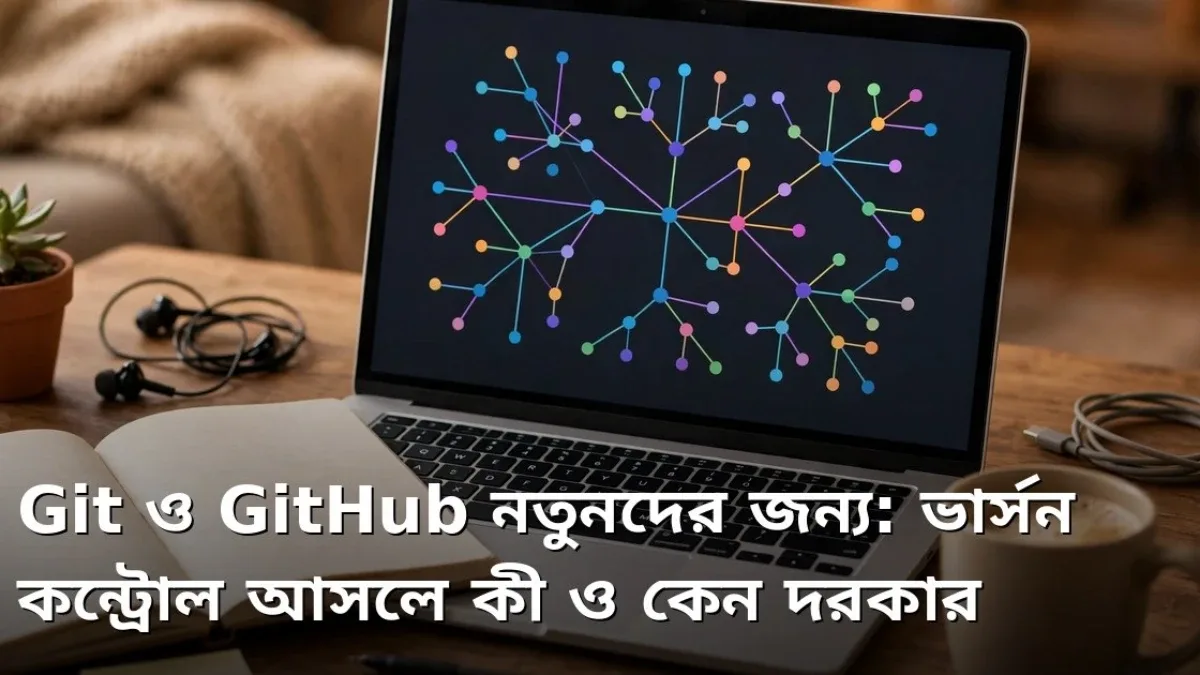
Imagine you are building a website. Today you write some code, tomorrow you tweak it, and the day after, while trying to add a new feature, you accidentally break the part that was working fine. At that moment, you wish you could just rewind to how things were before! Version control solves this exact problem, and Git is the most popular tool for the job. GitHub, on the other hand, is an online platform where you can safely store code managed with Git and collaborate with others. Many new programmers feel intimidated when they hear these two names, even though the core idea is remarkably simple. In this guide, we will break down from scratch—in plain, easy-to-follow terms—what Git and GitHub actually are, why every programmer needs to learn them, and how you can get started step by step.

What Is Version Control?
Version control means keeping track of every change made to a file. When you made a change, what you modified, which lines you added, or what you deleted—everything is saved step by step. As a result, you can return to any previous state whenever you need to. Think of it like writing a storybook. An author writes the first draft, an editor makes a few revisions, and then the author polishes some parts again. If every draft is saved separately, it becomes easy to compare them later and pick the best version. Code works the exact same way. In the past, people used to name files things like final, final2, final_new, and actual_final. That only created confusion and wasted storage. Git handles all of this neatly and automatically, organizing the entire history inside a single project folder.
- Every change is recorded: Who changed what, when, and why—it is all logged.
- You can roll back anytime: If a new update causes issues, you can revert to a working older version.
- Multiple people can work together: Even if ten people work on the same project, nobody's work overwrites or ruins someone else's.
- Experimentation is safe: You can test new ideas in a separate space and merge them into the main project only if they work well.
Are Git and GitHub the Same Thing?
No, they are not the same—and understanding this difference is crucial for beginners. Git is a software tool that runs locally on your own computer. You can track your code history with Git even without an internet connection. GitHub, by contrast, is a website and online service where you can upload and host your Git projects. Put simply, Git is the pen you use to write your personal diary, while GitHub is the secure cabinet where you store that diary so friends can also read it when needed. Besides GitHub, there are similar services like GitLab and Bitbucket, though GitHub is the most widely used. Many employers review an applicant's GitHub profile to inspect real samples of their work. So learning Git is not just about organizing code—it is also about building a strong portfolio.
Commit, Branch, and Repository: Three Key Terms
As you learn Git, three terms will come up again and again. The first is a repository—this is your project folder containing all your code files and their complete history. The second is a commit—every time you save a milestone in your work, it becomes a commit, much like a save point in a video game. Each commit includes a short message describing what you did, such as adding the homepage menu. The third is a branch—a separate line of development where you can test new features without affecting the main project. Once your experiment succeeds, you combine that branch back into the main project, a process called merging. Once these three concepts click, everything else in Git feels much easier. Making small, daily commits also makes it far simpler to spot bugs in larger projects.
⚠ Warning: Before uploading code to GitHub, double-check that your files do not contain passwords, secret API keys, or personal information. Once sensitive data is pushed to a public repository, it is difficult to erase completely, and others could misuse it.
How Beginners Can Get Started
- Step 1: Install Git on your computer and configure your identity with your name and email address.
- Step 2: Create a small practice project and initialize a repository inside it.
- Step 3: Make a small edit to a file, create your first commit, and practice writing clear commit messages.
- Step 4: Sign up for a free GitHub account and upload your project there.
- Step 5: Build a habit of regularly committing the code you write while learning each day.
Why Is Git So Essential for Teamwork?
While Git is helpful when working alone, its value skyrockets in team projects. Imagine five people building an app together—one working on the login page, another on the payment section, and another on the user profile. Without Git, sending files back and forth would cause daily confusion over whose version is the latest. With Git, everyone works on their own branch, sends a request to merge their changes into the main codebase when ready, and teammates review the changes and share feedback before they are added. Sometimes, if two people edit the exact same line differently, Git flags it as a conflict so a developer can decide which version to keep. This structured workflow is why hundreds of programmers at major tech companies can collaborate on the same project simultaneously. Learning Git has become practically mandatory for jobs and group projects, and the earlier you start, the stronger your habit will become.
In the end, Git and GitHub are not complicated magic—they are simply a clean, reliable system for organizing, protecting, and sharing your code. A few terms might feel unfamiliar for the first couple of days, but hands-on practice with a small project will make everything clear. Start a small project today—you will leave the fear of losing code behind forever and make your learning journey far more confident and professional.
📱 Join my Telegram channel for more daily tips like this: https://t.me/earnhelosp




Discussion & Comments (1)