
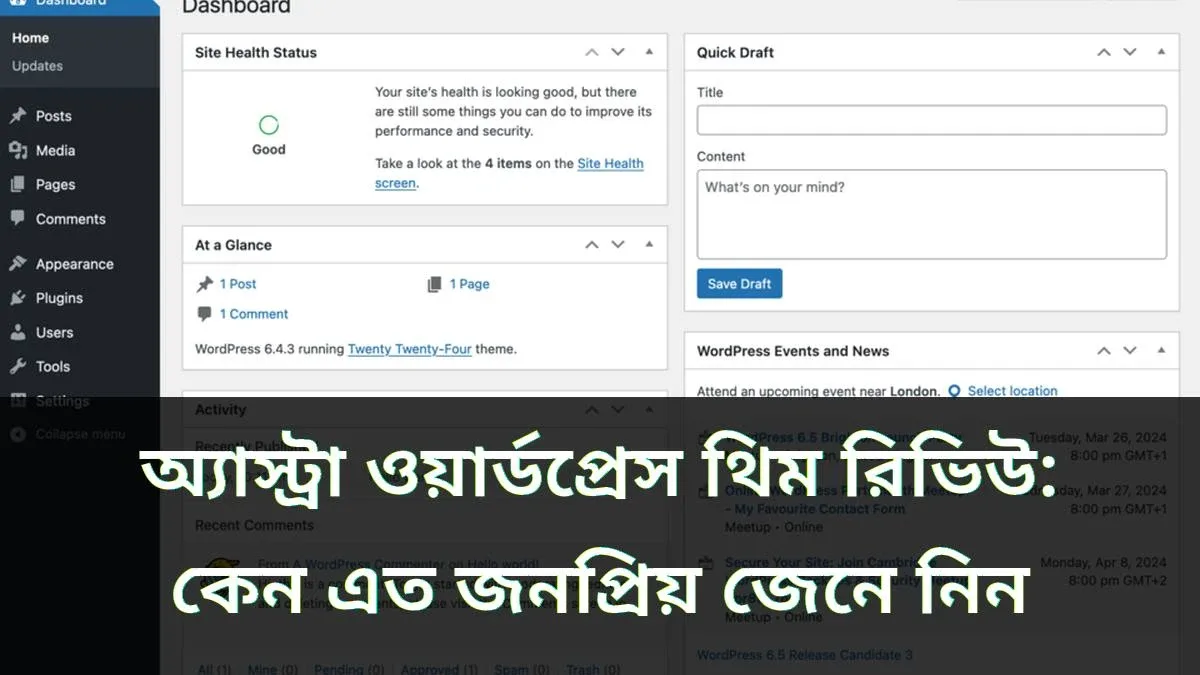
Browse the WordPress theme directory and you will see thousands of themes, yet one name stands out repeatedly—Astra[cite: 1]. Millions of websites run on this theme[cite: 1]. Having used Astra on one of my own blogs, I know both its strengths and weaknesses[cite: 1]. In this review, I will share everything you need to know to decide if Astra is the right fit for your website[cite: 1].
What Is the Astra Theme?
Astra is a lightweight, fast-loading free WordPress theme developed by Brainstorm Force and first released in 2017[cite: 1]. Today, millions of blogs, business websites, and online stores rely on it[cite: 1].
Astra's biggest selling point is speed[cite: 1]. Requiring less than 50 KB of resources and zero jQuery dependencies, sites built with Astra load remarkably fast[cite: 1]. For anyone aiming to rank on Google, speed is crucial—slow sites drive visitors away and rank lower in search results[cite: 1].
What You Get in the Free Version
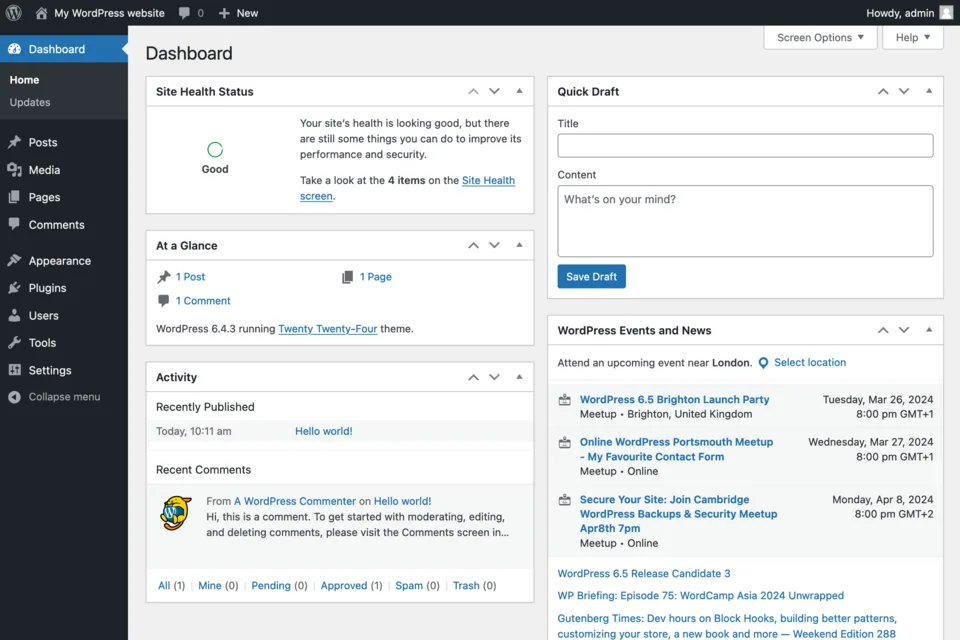
Astra's free version packs plenty of features[cite: 1]. You can customize colors, typography, and layouts directly from the WordPress Customizer without writing a single line of code[cite: 1]. It includes flexible header and footer builders, blog layout controls, and separate responsive settings for desktop, tablet, and mobile[cite: 1].
The free version also provides access to Starter Templates—pre-designed website layouts that you can import with one click and customize with your own text and images[cite: 1]. While the free template selection is somewhat limited, it is a massive time-saver for beginners[cite: 1].
Do You Need Astra Pro?
Astra Pro is the premium add-on plugin that unlocks advanced features such as sticky headers, mega menus, custom layouts, and an expanded library of Starter Templates[cite: 1]. It is ideal for developers and professional business sites[cite: 1].
However, for a standard blog, the free version is more than enough[cite: 1]. I have personally run blogs smoothly using only the free version[cite: 1]. Start with the free theme first, and only upgrade to Pro if you genuinely need the extra capabilities[cite: 1].
Speed and Mobile-First Design
In my speed tests, Astra consistently delivers top scores on Google PageSpeed Insights[cite: 1]. It is built with a mobile-first approach, which is vital since the majority of readers in Bangladesh browse on smartphones[cite: 1]. Menus open smoothly, text is crisp and readable, and images scale cleanly across all screen sizes[cite: 1].
WooCommerce and Plugin Compatibility
Astra integrates seamlessly with WooCommerce, making it a strong choice for e-commerce stores with clean shop, cart, and checkout layouts[cite: 1]. It also works effortlessly alongside popular page builders like Elementor and Beaver Builder, as well as major SEO, caching, and contact form plugins[cite: 1]. Regular updates keep the theme secure and reliable[cite: 1].
Drawbacks of Astra
No theme is without flaws[cite: 1]. Certain useful features—like sticky headers and advanced blog layouts—are locked behind Astra Pro, and importing Starter Templates requires installing an additional plugin[cite: 1]. Additionally, because Astra is so popular, many sites look similar unless you spend time customizing the design[cite: 1].
Final Verdict
Astra is one of my favorite WordPress themes—lightweight, fast, and beginner-friendly[cite: 1]. Whether you are launching a blog, business site, or small online store, starting with Astra Free is a smart move[cite: 1]. Just remember to back up your site before switching themes[cite: 1].
FAQ
Is the Astra WordPress theme free?
Yes, Astra's free version is available in the official WordPress theme directory with rich customization options, while Astra Pro is available as a paid upgrade for advanced features[cite: 1].
Is Astra really fast?
Yes, Astra requires less than 50 KB of resources and uses vanilla JavaScript instead of jQuery, resulting in fast load times and high PageSpeed Insights scores[cite: 1].
Can I build an online store with Astra?
Yes, Astra offers deep WooCommerce integration, allowing you to customize product pages, carts, and checkout flows easily[cite: 1].


Discussion & Comments (0)
No comments on this post yet. Be the first to comment!