
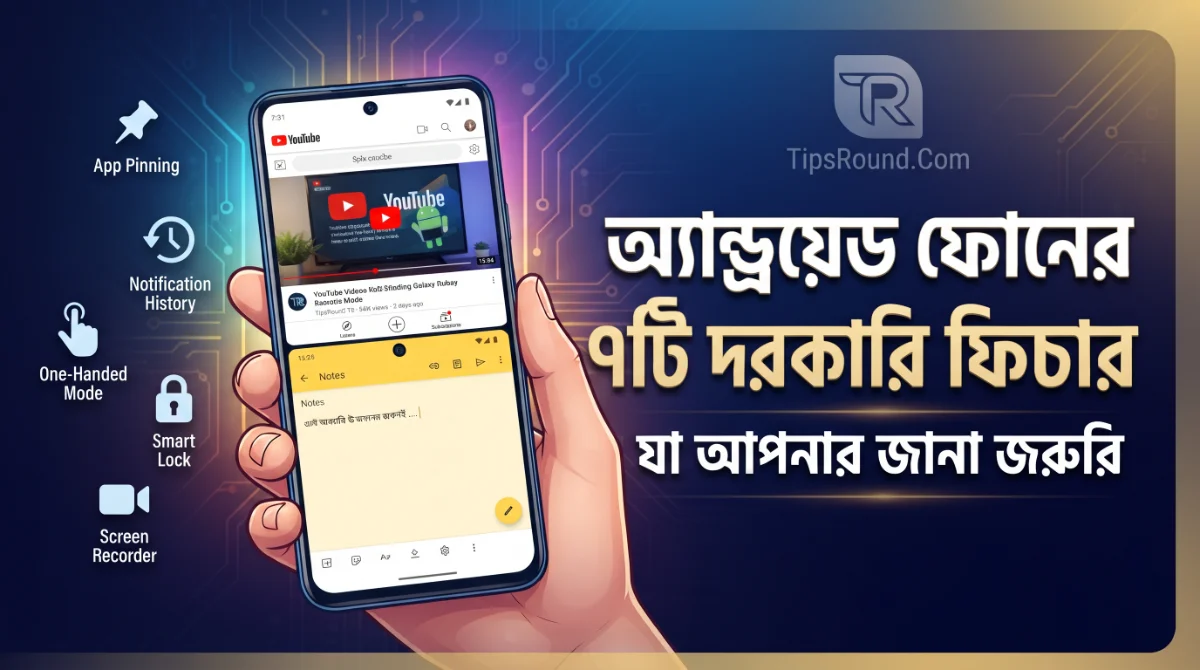
Introduction: Unknown and Useful Features of Android
Your Android phone has many wonderful built-in conveniences that you might be using separate apps for! With a smartphone, you can now do much more than just make calls or send messages—multitasking, finding a lost phone, and keeping personal data secure are all possible. Interestingly, many of these features are already built right into the phone, though many of us aren't aware of them. In today's article, we will learn about 7 useful Android features that will completely transform your phone experience.
Note: Due to different Android versions, brands, and custom UIs, feature names or settings locations may not be identical on every phone. If you cannot find an option directly, use the search box inside Settings.
1. Split Screen – Use Two Apps Simultaneously
Suppose you are watching a YouTube video and also need to chat on WhatsApp at the same time. Switching back and forth between apps can be annoying. With the Split Screen feature, you can run two apps side by side on the same screen!
- How to Use: First open the required apps, then tap the Recent Apps button, tap the icon of the first app, select 'Split Screen', and choose the second app.
- Where It Helps: Very useful for keeping a PDF book on one side and a calculator on the other, or a browser alongside notes.
2. App Pinning – Prevent Others from Leaving a Specific App
When you hand your phone to someone to show a photo or video, it can be awkward if they start browsing other apps. To avoid this problem, App Pinning is a great feature. It locks a single app onto the screen so no one can exit it without your password or PIN!
- How to Enable: Search for 'App Pinning' in Settings, turn it on, and select the pin icon for the desired app from Recent Apps.
- It keeps your phone very safe when letting younger siblings play a game or watch a video, or when lending your phone to someone.
3. Notification History – Recover Dismissed Notifications
Sometimes, by mistake or by tapping 'Clear All', an important Gmail or app notification gets lost. If Android's Notification History feature is turned on, you can easily view all past notifications. Just search for it in Settings and turn it on to get this benefit.
4. Other Essential Tricks & Shortcuts
Beyond the features above, Android offers several other great capabilities:
- Smart Lock: Keep your phone automatically unlocked when in a trusted location or connected to a trusted Bluetooth device.
- One-Handed Mode: A great way to comfortably use large-screen phones with just one hand.
- Screen Pinning & Guest Mode: Useful options for keeping your phone secure across multiple users.
Conclusion
Making smart use of your smartphone can simplify your daily tasks. Using these hidden Android features properly will make your phone even smarter and more efficient. Stay with TipsRound.Com for regular tech tips and updates!

Discussion & Comments (0)
No comments on this post yet. Be the first to comment!